
When image uploads blocked a planned campaign, the fix was not to rebuild every asset from scratch. We worked with Sage to identify the upload issue, repurpose the existing images into usable formats, and launch a 7-day Acceleposts campaign on schedule.
The result was a practical publishing workflow that kept momentum intact, reduced rework, and gave the team a repeatable process for future image-heavy campaigns.
The upload issue that put the campaign at risk
The campaign plan was straightforward: take a set of prepared visuals, pair them with social captions, and schedule a full week of posts through Acceleposts.
Then the image uploads started failing.
Some files would not process correctly. Others appeared inconsistent once added to the workflow. For a team trying to prepare a 7-day content run, that kind of friction can quickly turn a simple scheduling task into a bottleneck.
The first instinct in situations like this is often to recreate the assets. That would have worked, but it would also have burned time and added more review steps. The better path was to understand what was breaking, then make the existing creative usable.
Working with Sage to find a practical fix
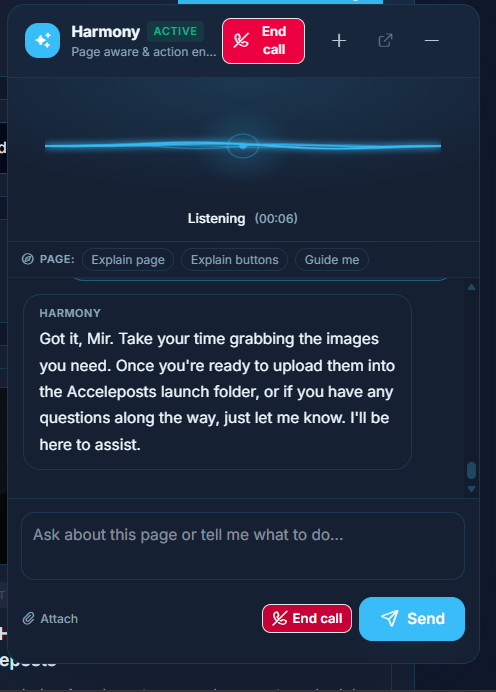
Sage helped narrow the problem down from a vague upload failure to a workable set of fixes. Instead of treating every image as a separate issue, we looked for patterns across the files.
- Which image formats uploaded cleanly
- Which files caused processing errors
- Whether dimensions or file size were creating conflicts
- How the assets could be adjusted without changing the campaign concept
That approach kept the work focused. The goal was not perfection for its own sake. The goal was to get the campaign live with the right message, the right visuals, and a clean enough process to avoid last-minute publishing problems.
Repurposing the images instead of starting over
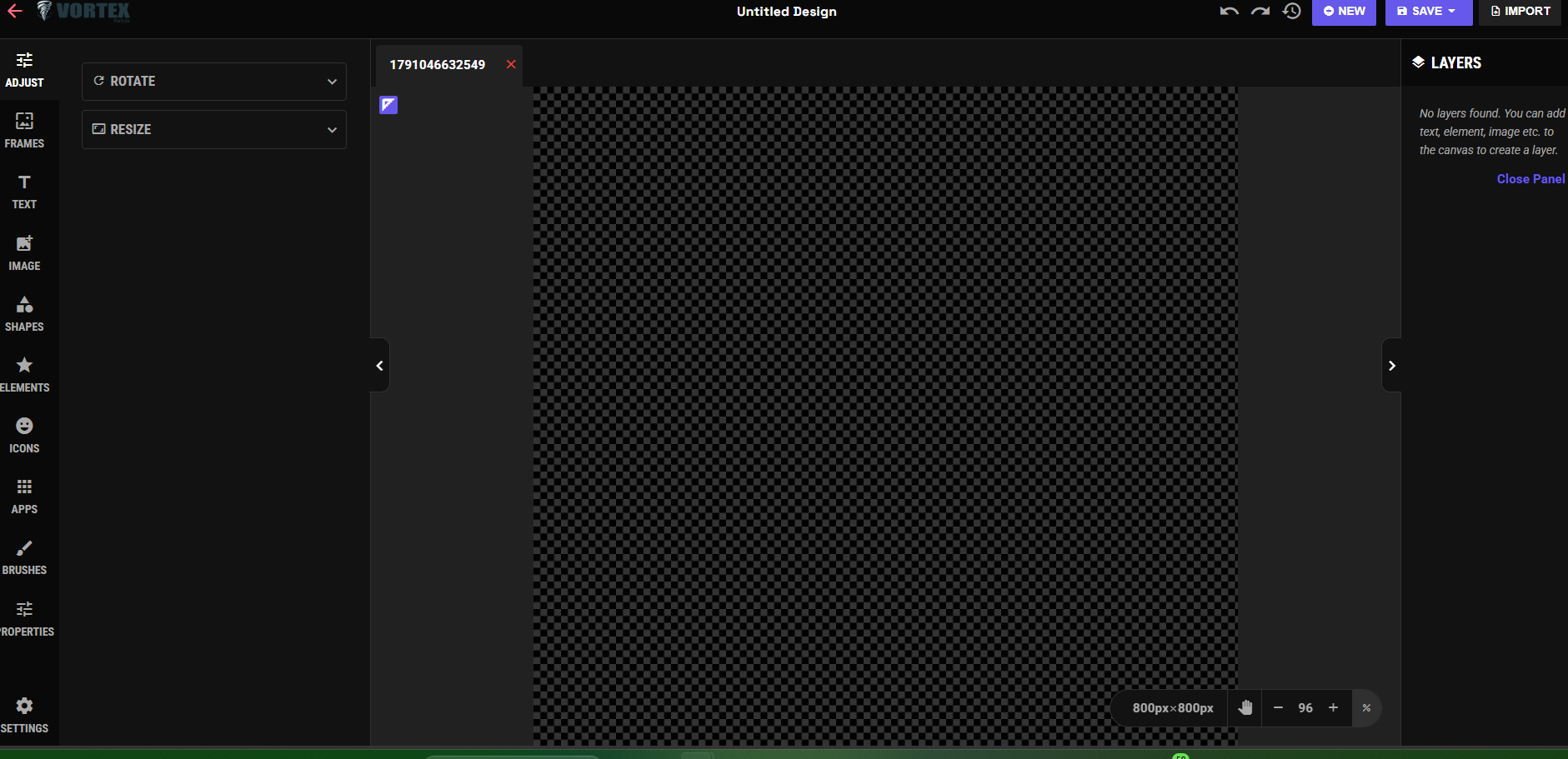
Once the issue was clearer, the team repurposed the original images rather than sending the project back to creative.
That meant preparing versions that were easier to upload, easier to organize, and better suited for a multi-day campaign. The core visual idea stayed intact, but the files became more practical for publishing.
This is where a good content operation can save a campaign. Not every problem needs a brand-new asset library. Sometimes the smarter move is to adapt what already exists and keep the approval chain short.
Building the 7-day campaign in Acceleposts
With the image files ready, the campaign moved into Acceleposts for scheduling and launch preparation.
The workflow was built around a full 7-day publishing sequence. Each post had its own image, caption, timing, and place in the campaign calendar. Instead of handling each post as a one-off task, the team could see the full run in context.
That made the campaign easier to review. It also made it easier to spot gaps, repeated phrasing, or timing issues before anything went live.
What the Acceleposts workflow helped organize
- The repurposed campaign images
- Daily post scheduling across the 7-day run
- Caption review and adjustments
- Publishing order and calendar visibility
- Operational checks before launch
For teams managing social content at volume, that visibility matters. A small upload problem can affect the whole schedule if assets, captions, and approvals are scattered across different tools.
What went live
The final campaign launched as a structured 7-day Acceleposts sequence using the repurposed image set.
Each post was prepared with the campaign goal in mind, then scheduled so the team did not have to manually publish every day. Once the campaign was active, the focus shifted from file troubleshooting to monitoring the live publishing workflow.
The win was not just getting the images uploaded. The win was turning a stalled campaign back into a scheduled, trackable publishing plan.
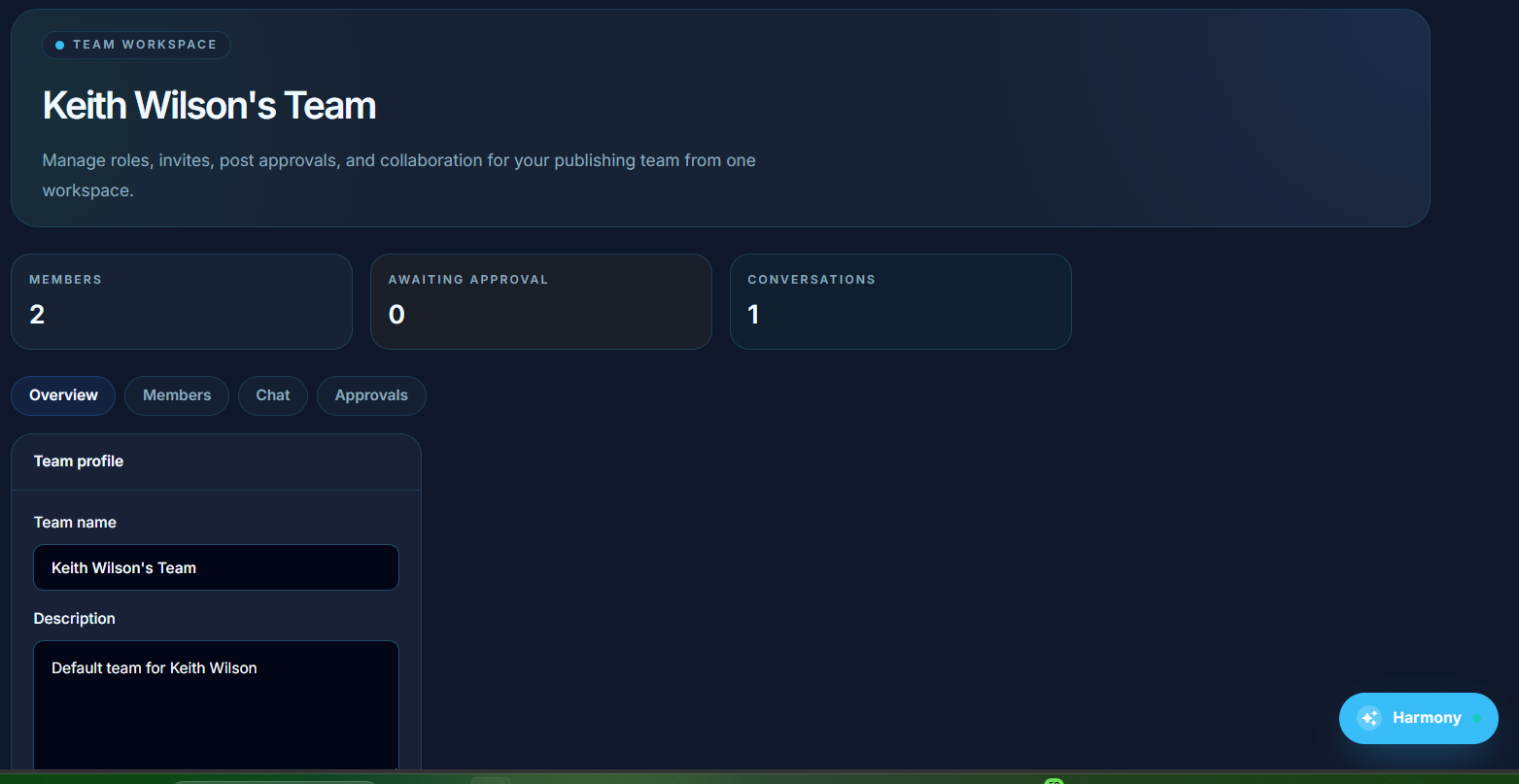
That distinction matters. A solved upload issue is useful. A solved upload issue that leads to a live campaign is what actually moves the work forward.
Lessons for image-heavy social campaigns
This project reinforced a few simple habits that can prevent future publishing delays.
- Test uploads before the final scheduling window. A quick test with sample files can reveal format or sizing issues before the team is under launch pressure.
- Keep original creative flexible. Source images should be easy to resize, export, and repurpose for different channels or campaign structures.
- Fix the workflow, not just the file. If one upload fails, look for the pattern. It may save hours across the rest of the campaign.
- Use a central campaign calendar. Seeing all 7 days in one place makes it easier to review timing, creative variety, and message flow.
- Collaborate early when something breaks. Bringing Sage into the process helped turn a technical problem into a clear action plan.
Why this matters for publishing teams
Social campaigns often get delayed by small operational issues: the wrong file type, unclear ownership, missing approvals, or a schedule that lives in too many places.
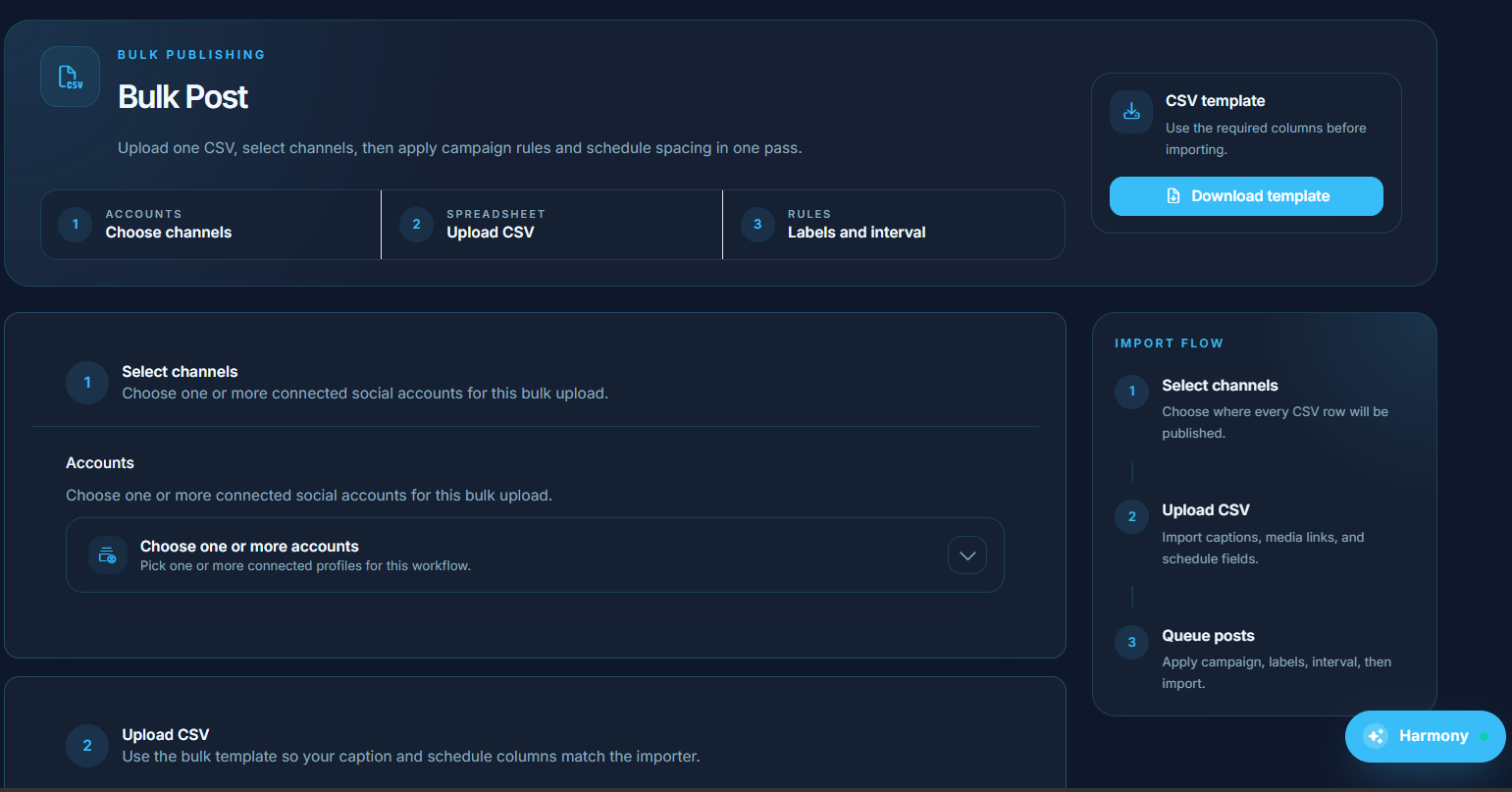
Acceleposts is built for teams that need to reduce that friction. Planning, media preparation, scheduling, automation, and reporting all work better when they are part of the same publishing workflow.
In this case, the campaign did not need a reset. It needed a clear fix, a partner who could help troubleshoot, and a system that could carry the work through launch.
The 7-day campaign went live with repurposed images, cleaner organization, and a process the team can reuse the next time an asset issue shows up.